Complete Guide to Fix QBWin.log Errors in QuickBooks Desktop
Various kinds of QBWin.log errors come up in QuickBooks Desktop. In this guide, we are going to tell you how… Read More »Complete Guide to Fix QBWin.log Errors in QuickBooks Desktop

Various kinds of QBWin.log errors come up in QuickBooks Desktop. In this guide, we are going to tell you how… Read More »Complete Guide to Fix QBWin.log Errors in QuickBooks Desktop
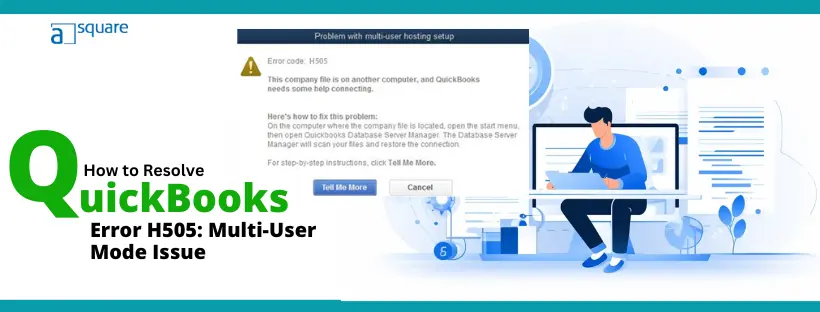
QuickBooks error H505 pops up sometimes when the user tries to switch to multi-user mode. If you came across the… Read More »QuickBooks Error H505: Easy Steps to Restore Multi-User Access

When you move QuickBooks Desktop to QuickBooks Online, you might run into errors like: “Please delete all employees already entered… Read More »How to Fix Problems Converting QuickBooks Desktop to Online
Sometimes, you might find drop down menus not working in QuickBooks or not even visible. When you click on them,… Read More »Are Drop Down Menus Not Working in QuickBooks? How to Fix

Although QuickBooks automatic updates are a good thing, we understand that sometimes you might need to turn it off. However,… Read More »If You Find No in QuickBooks Automatic Update Greyed Out

When installing QuickBooks Desktop or its updates, you might need to reboot it. However, sometimes users get stuck in QuickBooks… Read More »QuickBooks Requires That You Reboot Loop – Say Goodbye to It
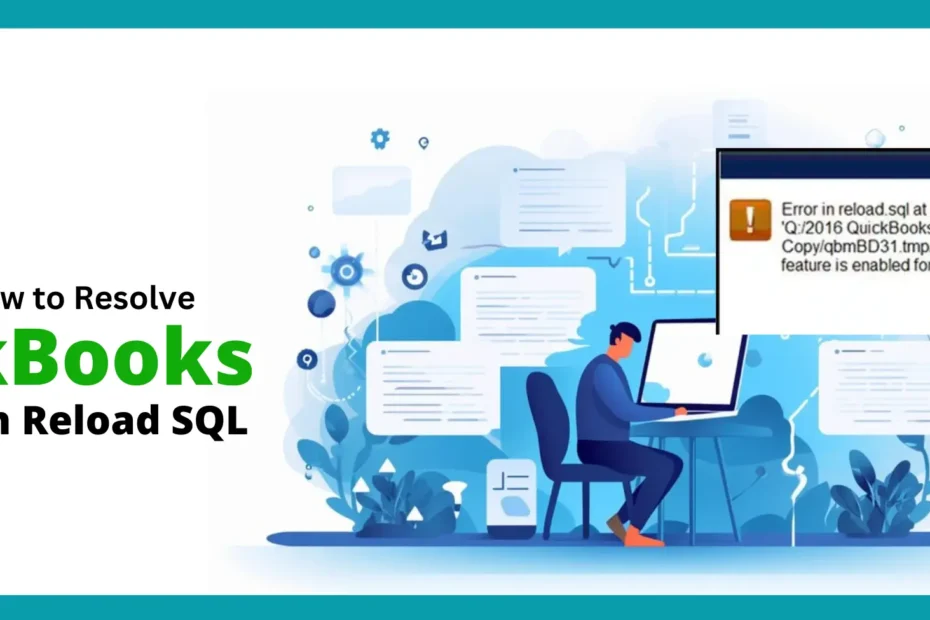
QuickBooks error in reload.sql usually occur when opening an accountant’s copy transfer file or a portable company file. There could… Read More »Learn How to Resolve QuickBooks Error in Reload SQL
Have you come across an error message that states that QuickBooks Desktop has reached the expiration date? “QuickBooks Desktop has… Read More »QuickBooks Desktop Has Reached the Expiration Date – A Guide

QuickBooks remote hosting means you would not need to install the application on various computers to be able to access… Read More »Explore QuickBooks Remote Hosting for All Desktop Editions