QuickBooks Export To Excel Not Working – Resolve It Here
QuickBooks Export To Excel Not Working. Check compatible & Microsoft Windows users account control (UAC) settings if unable to transfer data To QB desktop.
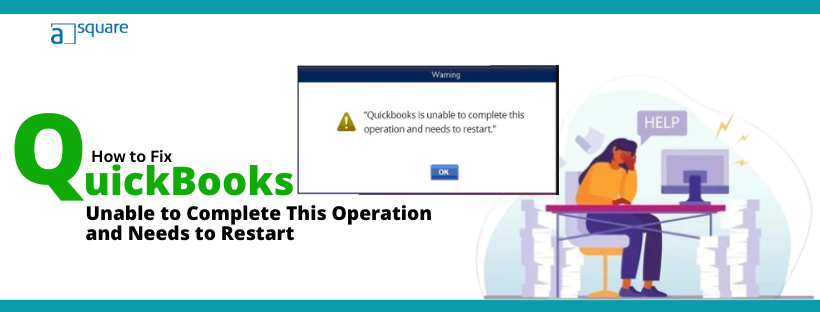
Often, when you are carrying out crucial operations, you might find QuickBooks not able to complete them and shut down… Read More »A Guide on “QuickBooks is Unable to Complete This Operation and Needs to Restart” Error
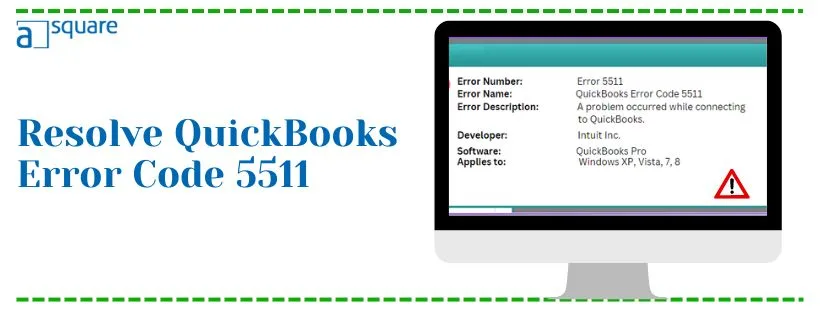
To make sure you can sync the QuickBooks Desktop data with Intuit servers and other third-party applications, Intuit has developed… Read More »Fix QuickBooks Error Code 5511 -3 Solutions You Can’t Skip
How to Delete Duplicate Transactions in QuickBooks Desktop and Online Removing duplicate transactions in QuickBooks is different for desktop and… Read More »This Is How to Delete Duplicate Transactions in QuickBooks Desktop & Online
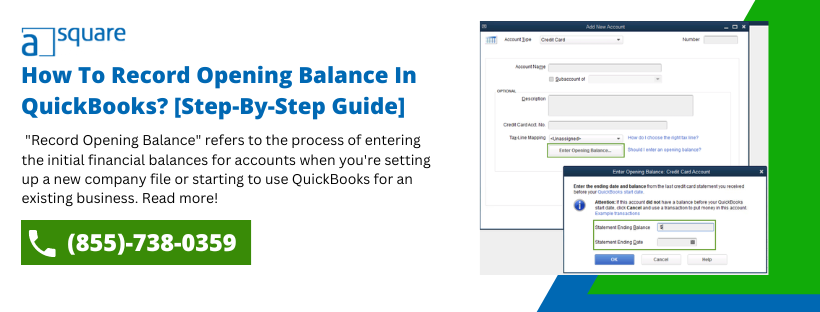
Right from day one, it’s mandatory for your accounts in QuickBooks to match the real-life bank and credit card accounts… Read More »How To Record Opening Balance In QuickBooks? [Step-By-Step Guide]
The Verify and Rebuild Data utilities developed can quickly help identify and repair data damage in QuickBooks. However, at times,… Read More »Resolve QuickBooks Verify Account Balance Failed Error
If you are going through the complexities of oversized data, don’t worry; the QuickBooks Condense Data Utility feature is there… Read More »Use QuickBooks Condense Data Utility To Reduce Company File Size