Intuit Data Protect Has Stopped Working? Let’s Fix That
Intuit Data Protect is used to back up QuickBooks Data on Intuit servers. It makes sure that your data is… Read More »Intuit Data Protect Has Stopped Working? Let’s Fix That

Intuit Data Protect is used to back up QuickBooks Data on Intuit servers. It makes sure that your data is… Read More »Intuit Data Protect Has Stopped Working? Let’s Fix That

There is no denying that data safety is essential for businesses and their customers. Modern accounting software like QuickBooks understands… Read More »How to Set Up and Update Intuit Data Protect for QuickBooks Backups
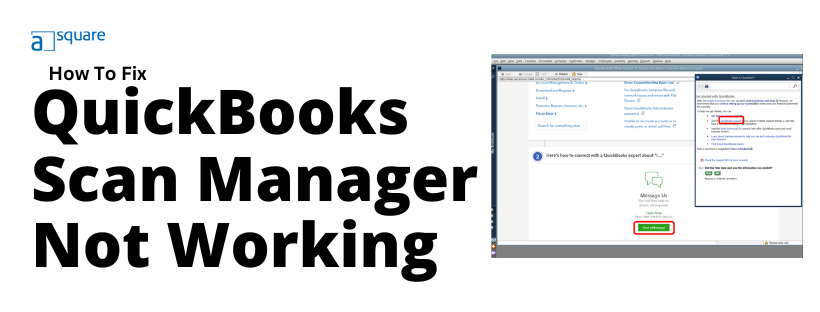

QuickBooks Scan Manager allows you to quickly scan receipts and documents and attach them to invoices, sales receipts, bills, and… Read More »Quick Fixes for QuickBooks Scan Manager Not Working Issue

Filing federal and state taxes is a crucial annual task for all businesses and their employees. Employers, at the end… Read More »How To Reprint W2 Form In QuickBooks Desktop & Online – Explained
Whenever you create a company file in QuickBooks, it gets saved to the default location, which is usually C:\Users\Public\Public Documents\Intuit\QuickBooks\Company… Read More »QuickBooks Cannot Use The Path To Open The Company File- Do’s
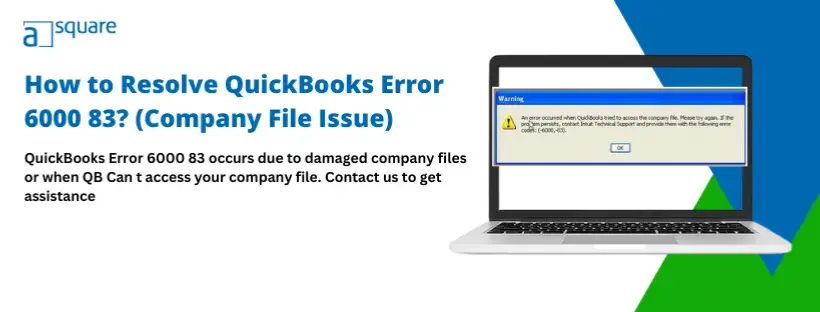
Often, the users encounter company file error 6000 83 in QuickBooks Desktop while opening a company file, creating a backup… Read More »Easy Guide to Fix QuickBooks Error 6000 83 – Company File Issue
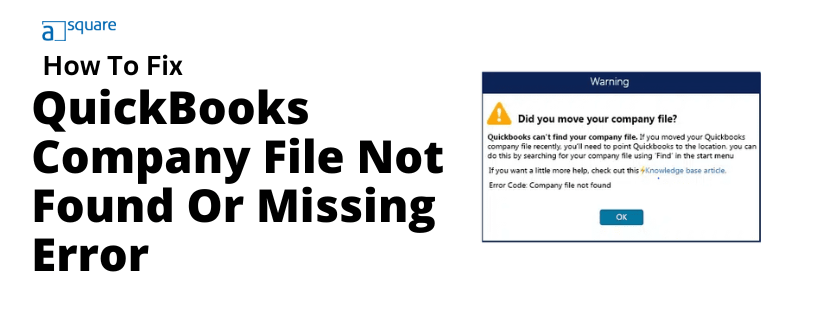
You can choose a company file you want to open through the No Company Open window. However, sometimes users can’t… Read More »QuickBooks Company File Not Found? Step-by-Step Guide
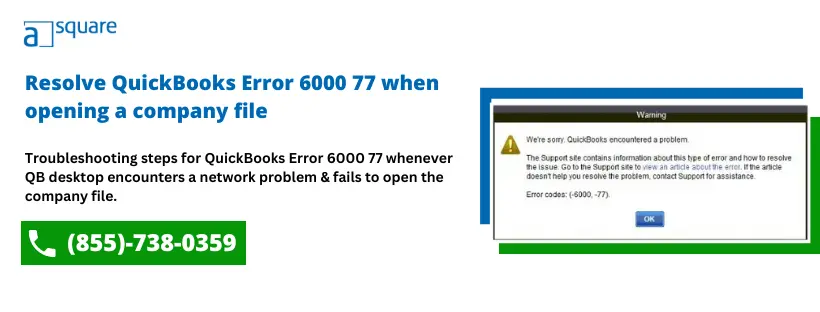
QuickBooks is a fantastic accounting application that helps users to manage their financial data like a pro. It stores all… Read More »6 Working Solutions to Fix QuickBooks Error 6000 77